 Play first video
ComMicPlan resources
1. Organization create
Created by ComMicPlan resources
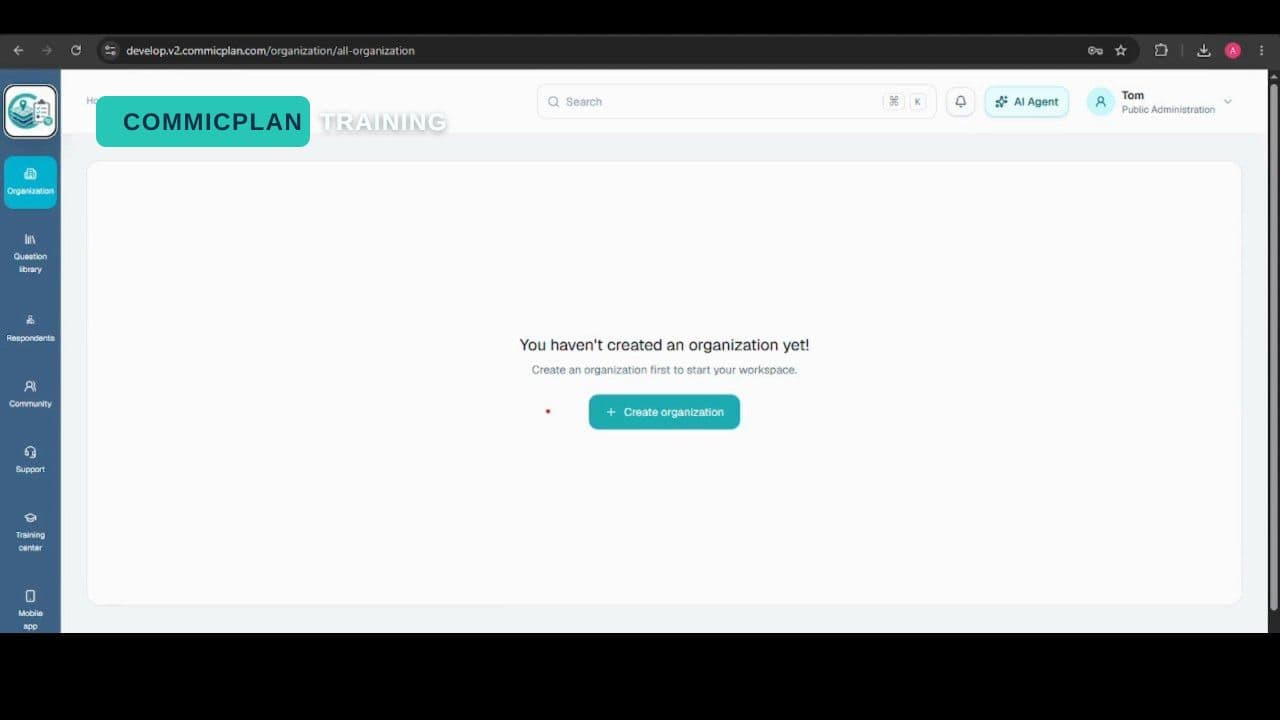
Create an organization and prepare it for projects, users, and training workflows.
Play VideoComMicPlan platform
2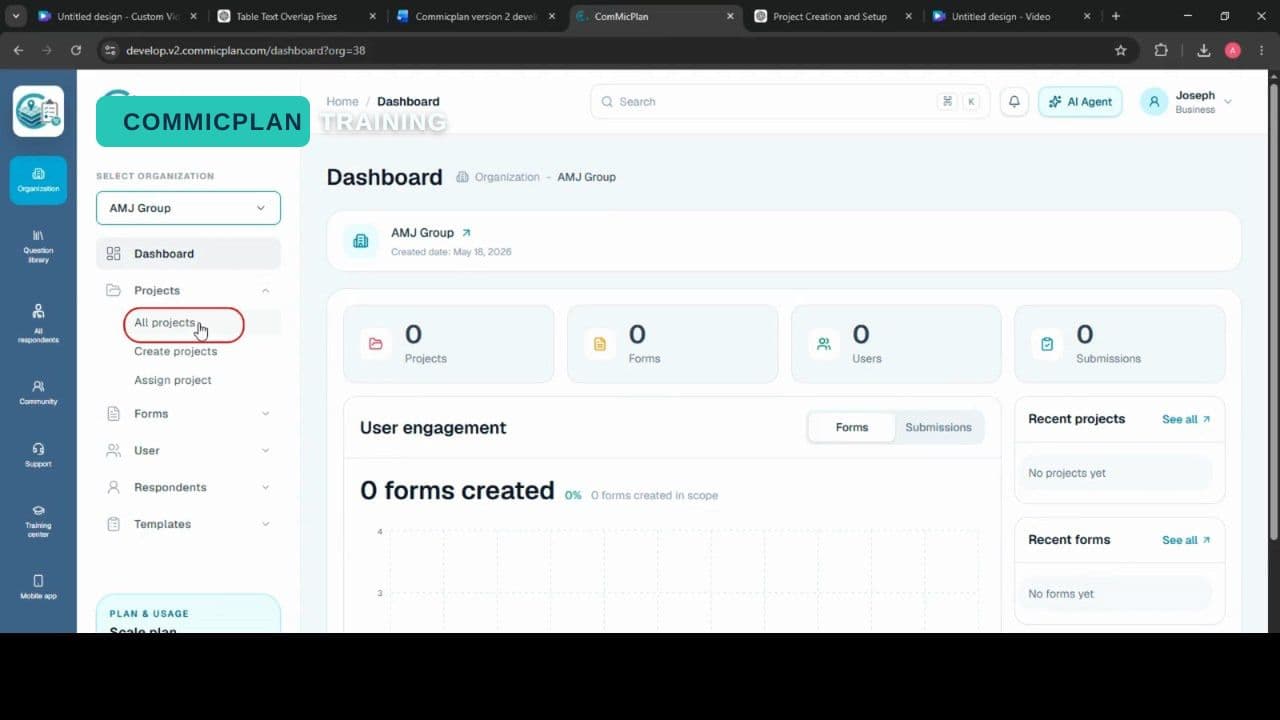 Resource videoProject create
Created by ComMicPlan resources
Resource videoCreated by ComMicPlan resources
Create a project, connect it to an organization, and prepare the workspace.
3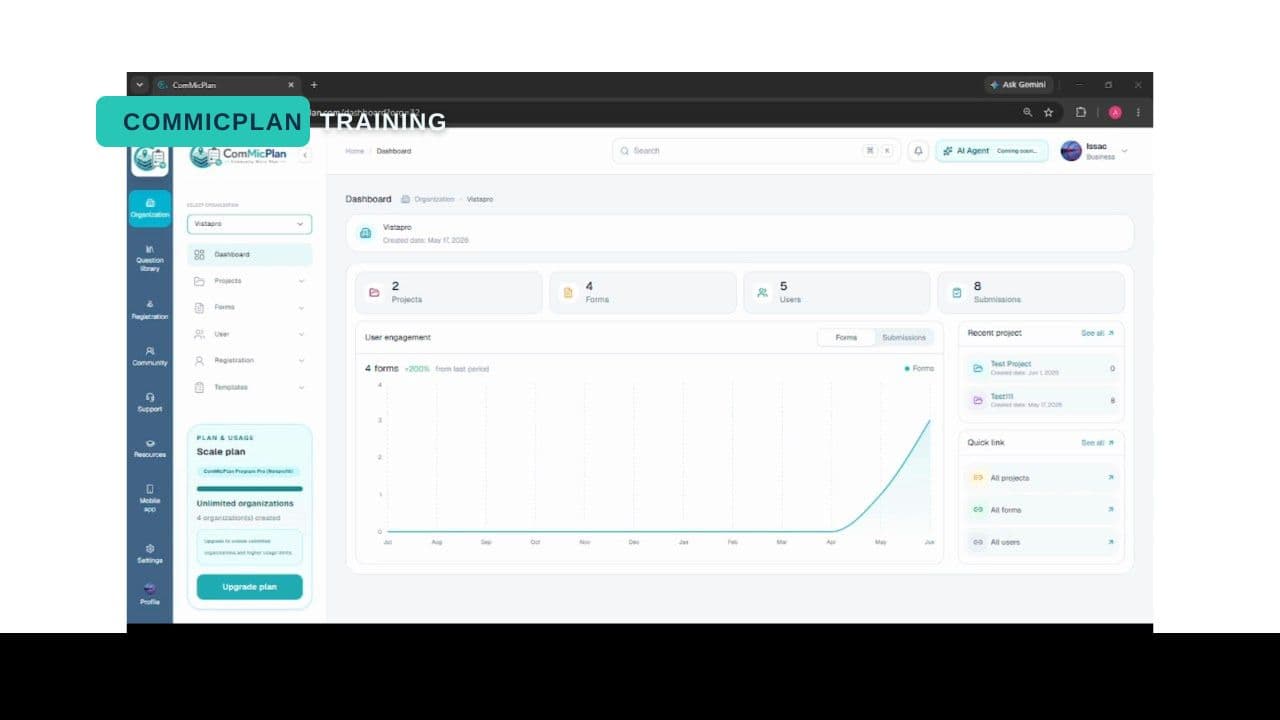 Resource videoProject assign
Created by ComMicPlan resources
Resource videoCreated by ComMicPlan resources
Assign project access so team members can work with the right project materials.
4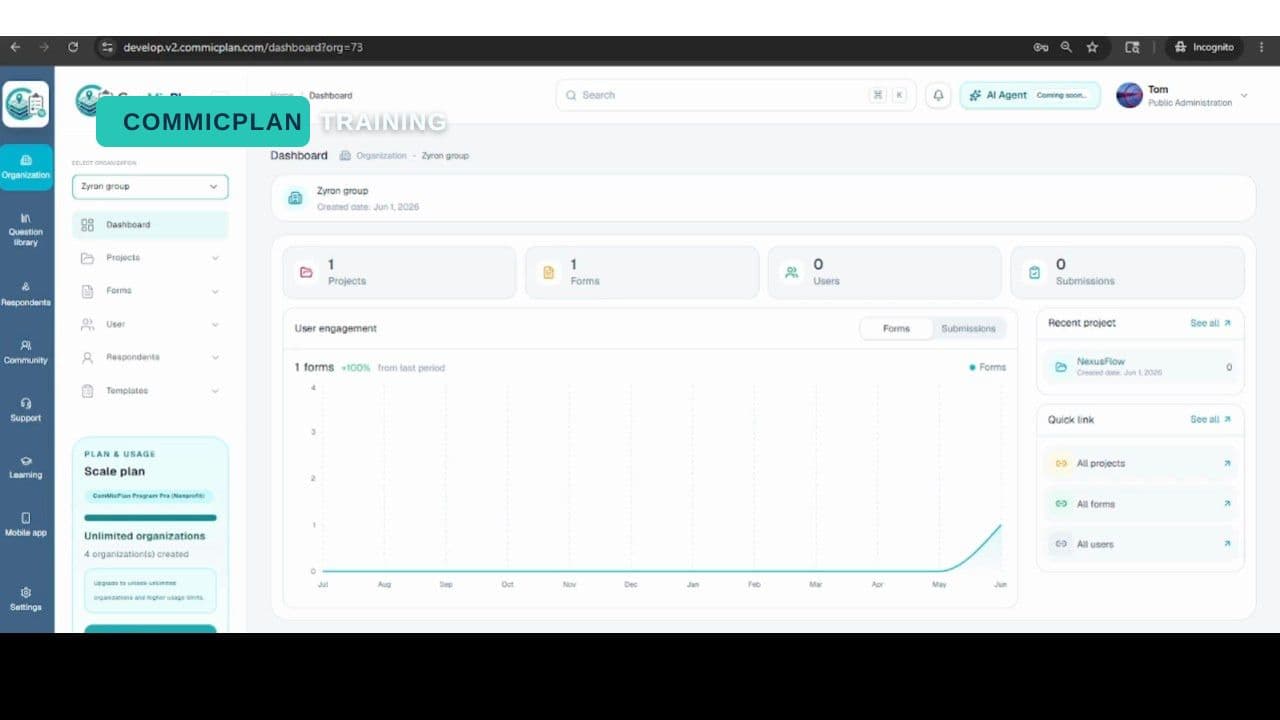 Resource videoUser create
Created by ComMicPlan resources
Resource videoCreated by ComMicPlan resources
Create users and prepare account access for your ComMicPlan resources workflow.
5 Resource videoRegistration fill up
Created by ComMicPlan resources
Resource videoCreated by ComMicPlan resources
Fill up a registration form and review the steps needed to complete a respondent registration workflow.
6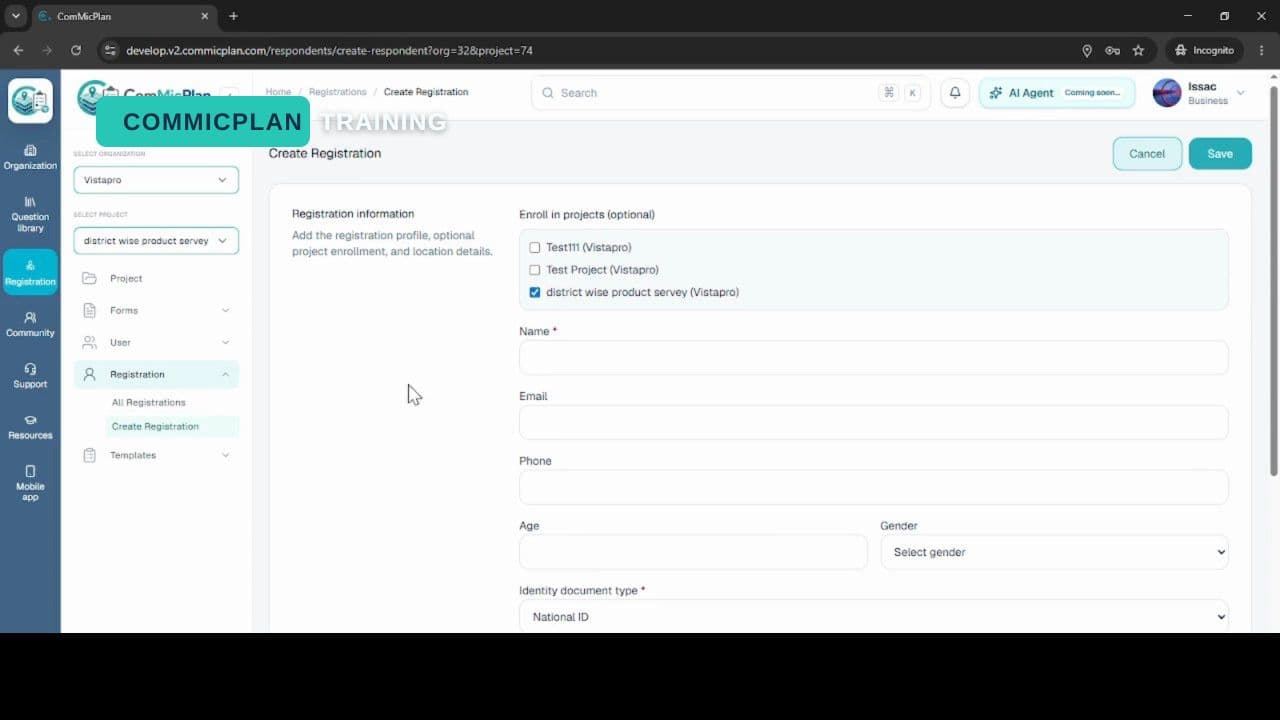 Resource videoRegistration respondent create
Created by ComMicPlan resources
Resource videoCreated by ComMicPlan resources
Create a respondent registration record and prepare it for data collection and follow-up workflows.
7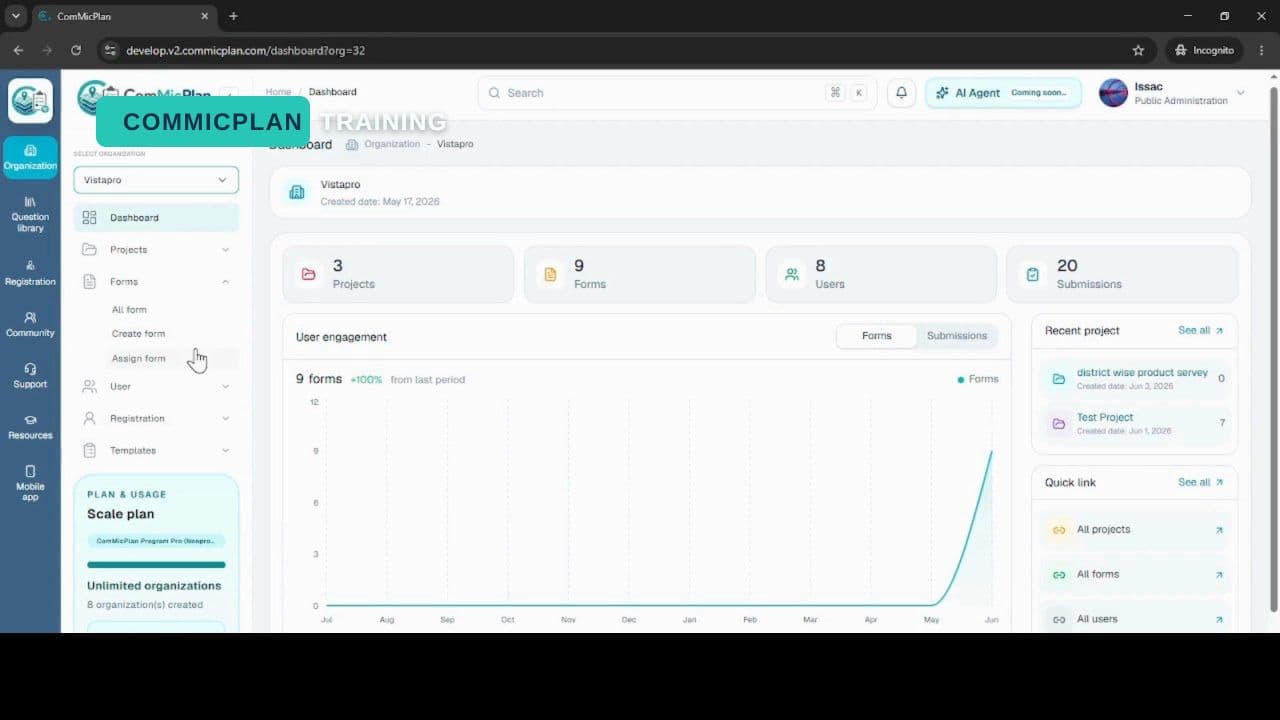 Resource videoForm creation
Created by ComMicPlan resources
Resource videoCreated by ComMicPlan resources
Create a form and open the builder so the questionnaire can be configured for collection.
8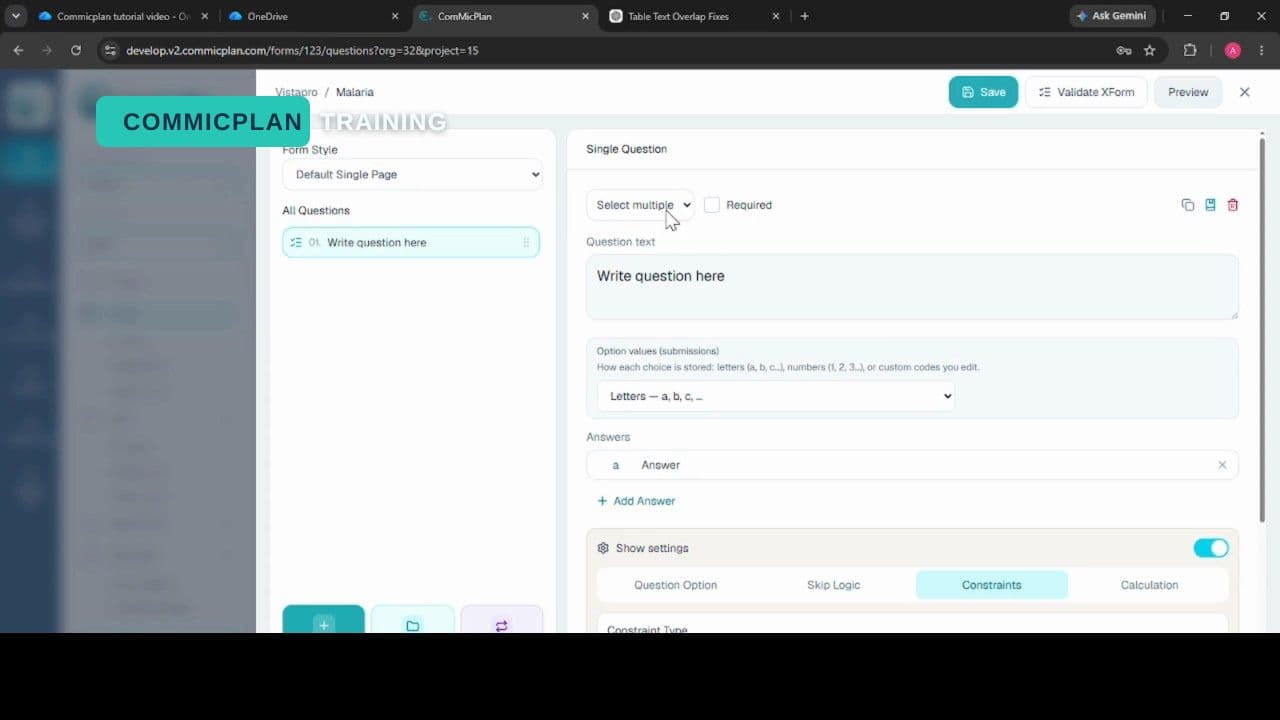 Resource videoForm creation text data type
Created by ComMicPlan resources
Resource videoCreated by ComMicPlan resources
Add and configure a text question in the form builder, then review how it appears for collection.
9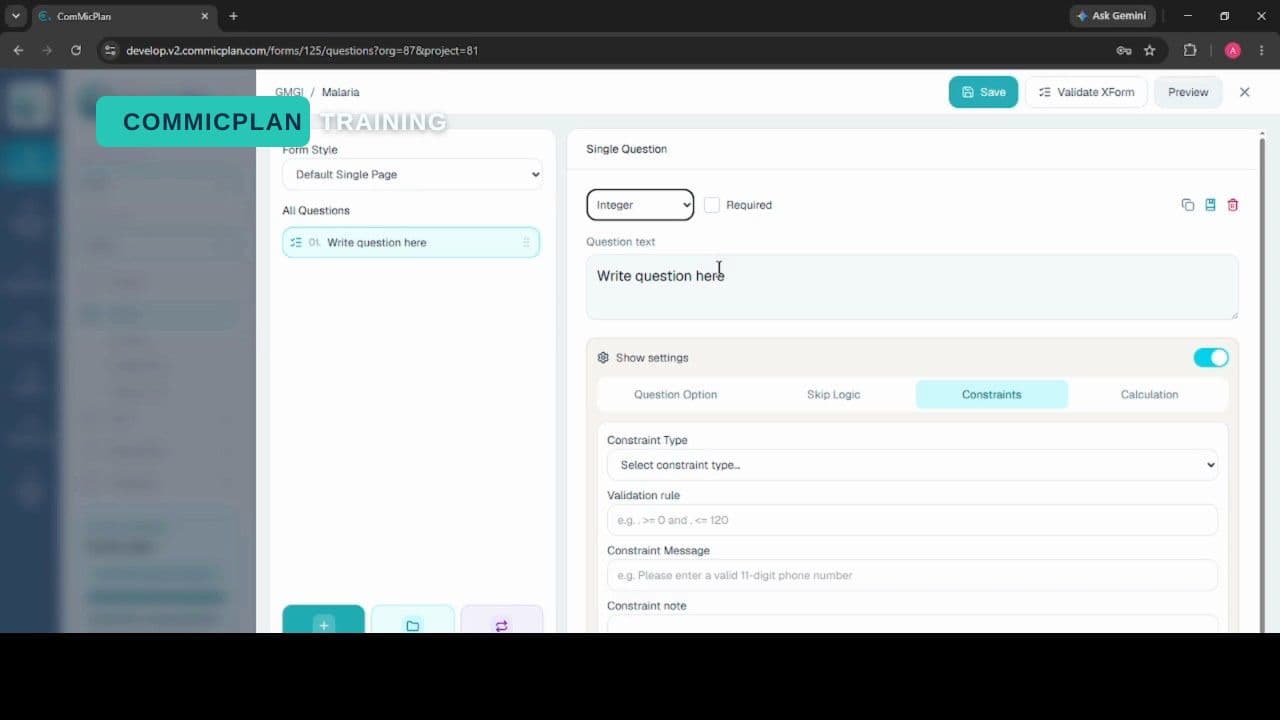 Resource videoForm builder integer data type
Created by ComMicPlan resources
Resource videoCreated by ComMicPlan resources
Configure an integer question in the form builder and preview numeric data entry behavior.
10 Resource videoDecimal data type
Created by ComMicPlan resources
Resource videoCreated by ComMicPlan resources
Configure a decimal question in the form builder and preview numeric values with fractions.
11 Resource videoDate and time data type
Created by ComMicPlan resources
Resource videoCreated by ComMicPlan resources
Configure a date and time question in the form builder and preview date-time collection behavior.
12 Resource videoTime data type
Created by ComMicPlan resources
Resource videoCreated by ComMicPlan resources
Configure a time question in the form builder and preview time-only collection behavior.
13 Resource videoGeopoint data type
Created by ComMicPlan resources
Resource videoCreated by ComMicPlan resources
Configure a geopoint question in the form builder and preview point location collection.
14 Resource videoGeoshape data type
Created by ComMicPlan resources
Resource videoCreated by ComMicPlan resources
Configure a geoshape question in the form builder and preview polygon location collection.
15 Resource videoGeotrace data type
Created by ComMicPlan resources
Resource videoCreated by ComMicPlan resources
Configure a geotrace question in the form builder and preview line location collection.
16 Resource videoSelect one data type
Created by ComMicPlan resources
Resource videoCreated by ComMicPlan resources
Add a select one question, configure answer options, and preview single-choice collection.
17 Resource videoSelect multiple data type
Created by ComMicPlan resources
Resource videoCreated by ComMicPlan resources
Add a select multiple question, configure answer options, and preview multiple-choice collection.
Mobile app (CMPCollect)
18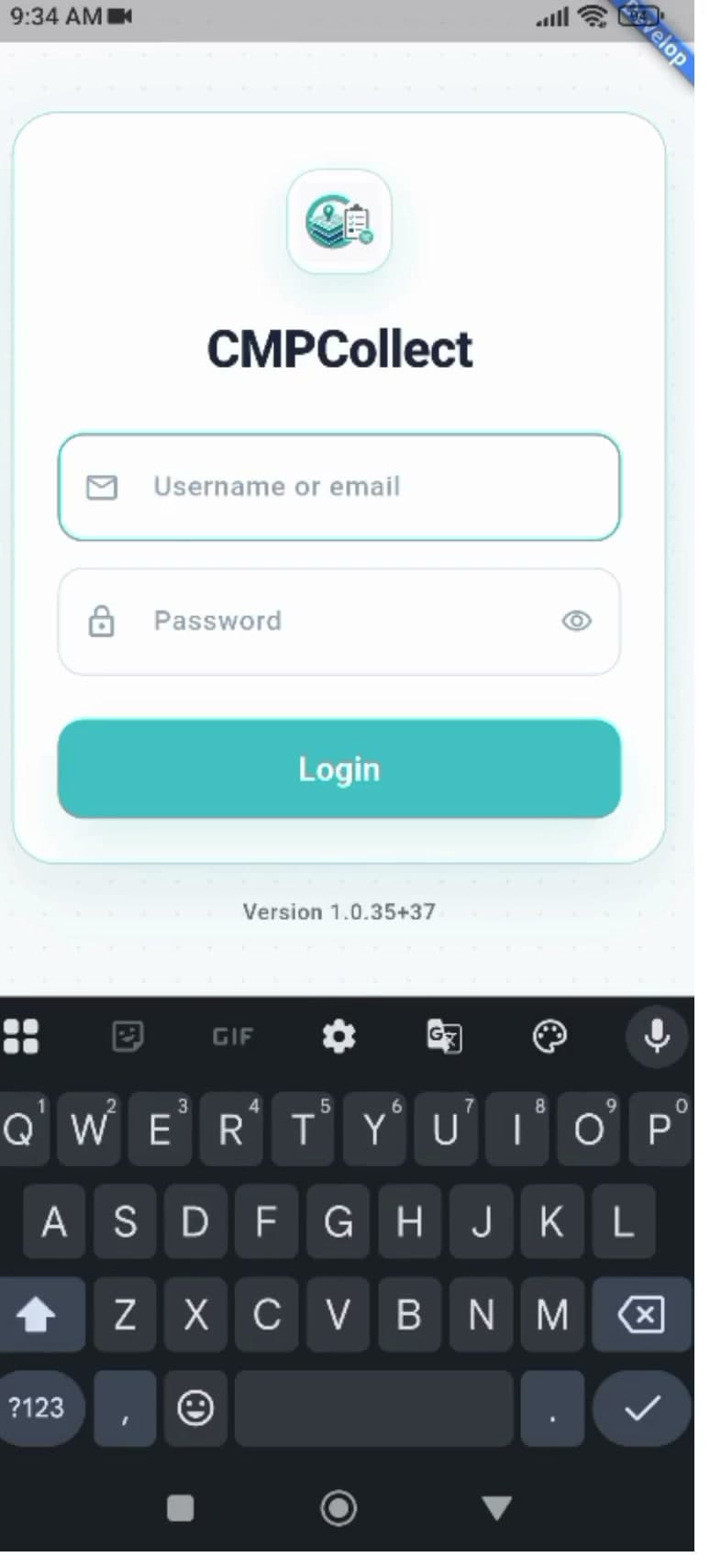 0:42Mobile: Log in
Created by ComMicPlan resources
0:42Created by ComMicPlan resources
Open the CMPCollect mobile app, sign in with a username and password, and land on the Dashboard.
19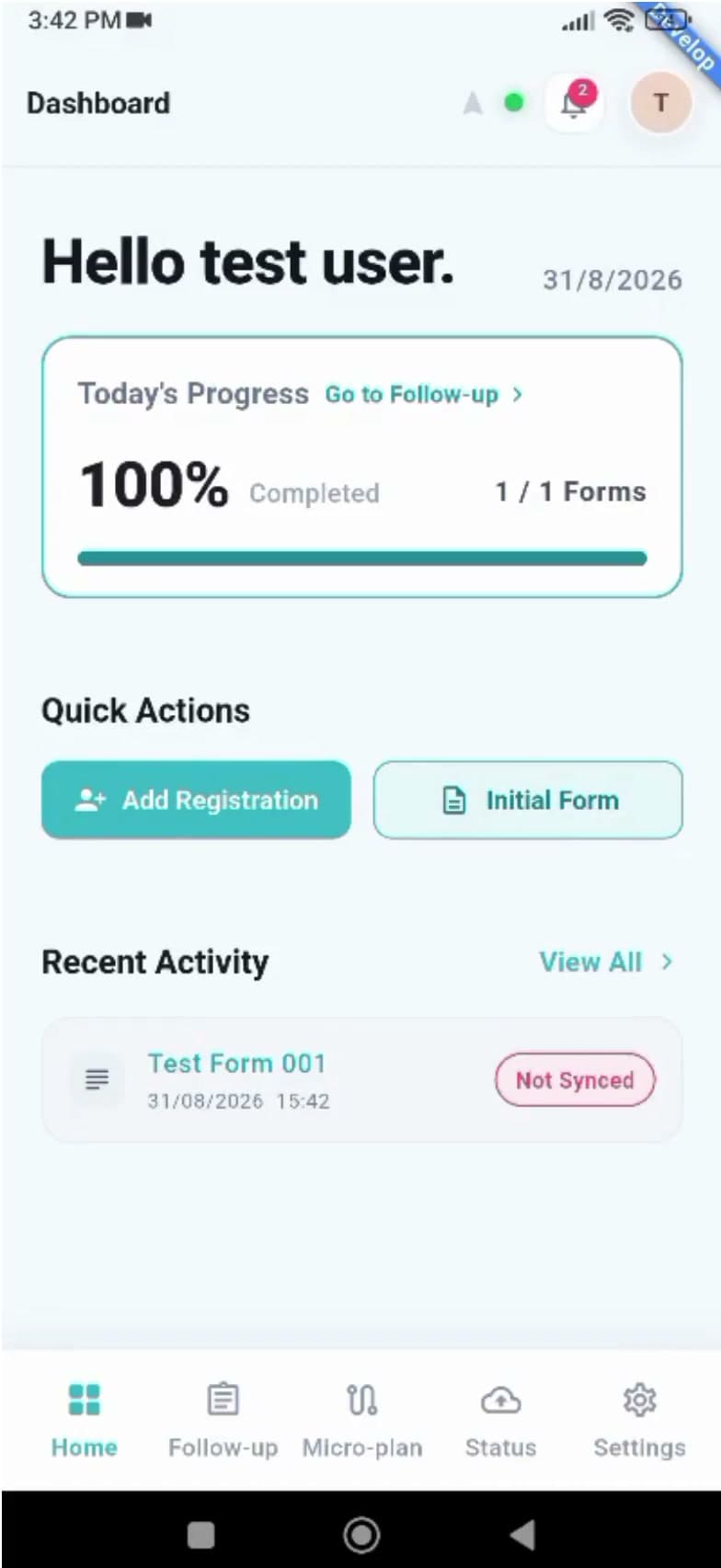 0:46Mobile: Dashboard overview
Created by ComMicPlan resources
0:46Created by ComMicPlan resources
Tour the CMPCollect Dashboard — form download status, Quick Actions, Recent Activity, and the app bar.
20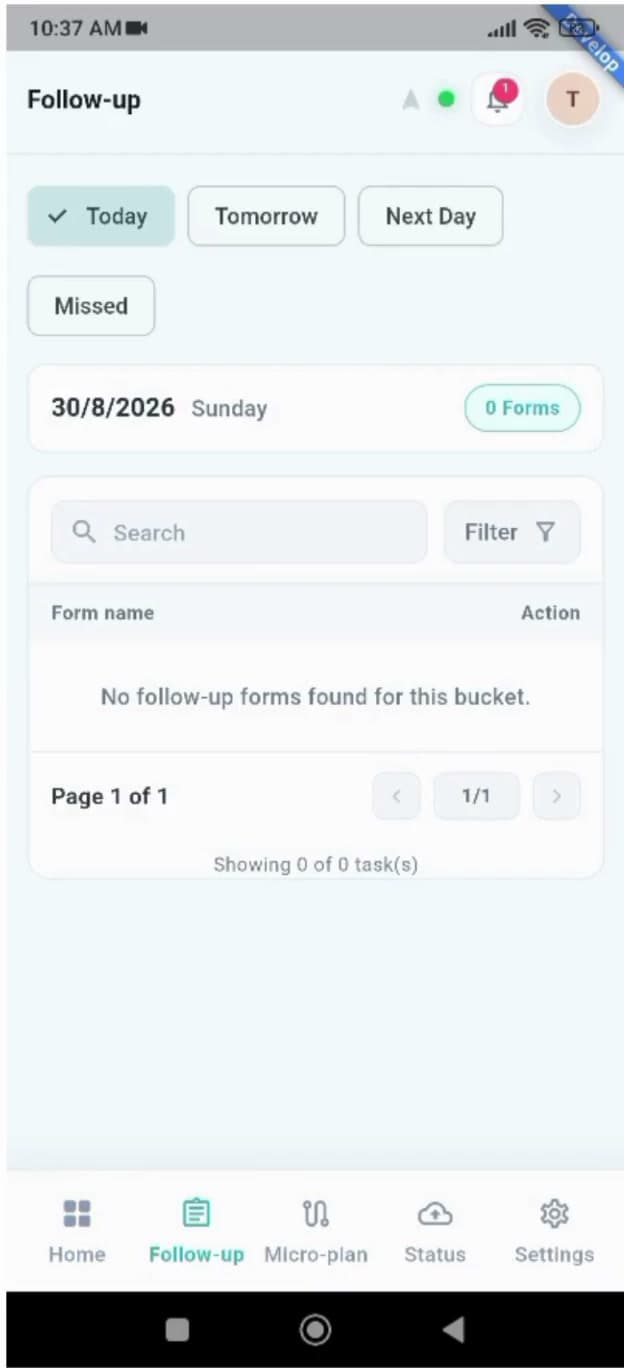 0:36Mobile: Bottom navigation bar
Created by ComMicPlan resources
0:36Created by ComMicPlan resources
Move between Home, Follow-up, Micro-plan, Status, and Settings using the bottom navigation bar.
21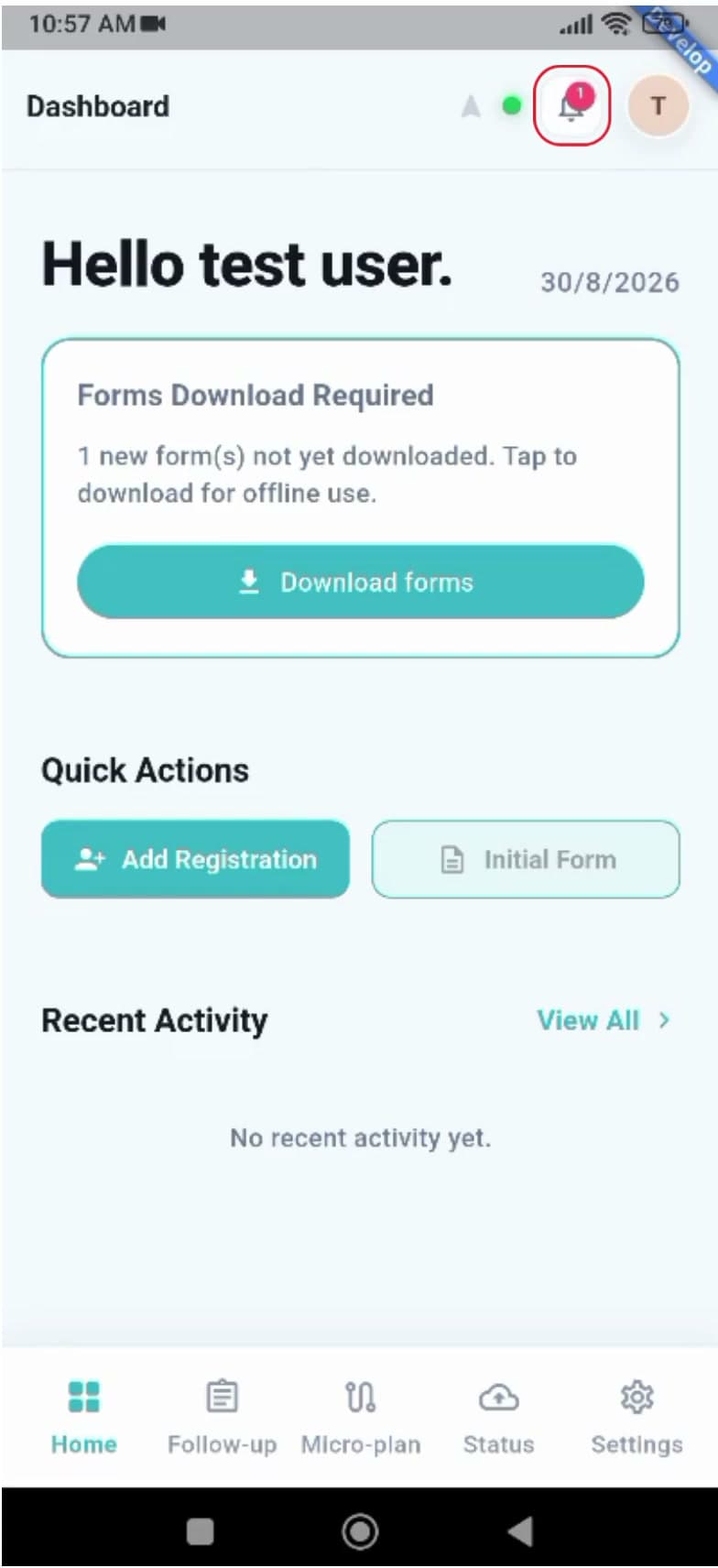 0:29Mobile: Notifications
Created by ComMicPlan resources
0:29Created by ComMicPlan resources
Open the notification panel from the app bar and expand a notification to read its full detail.
22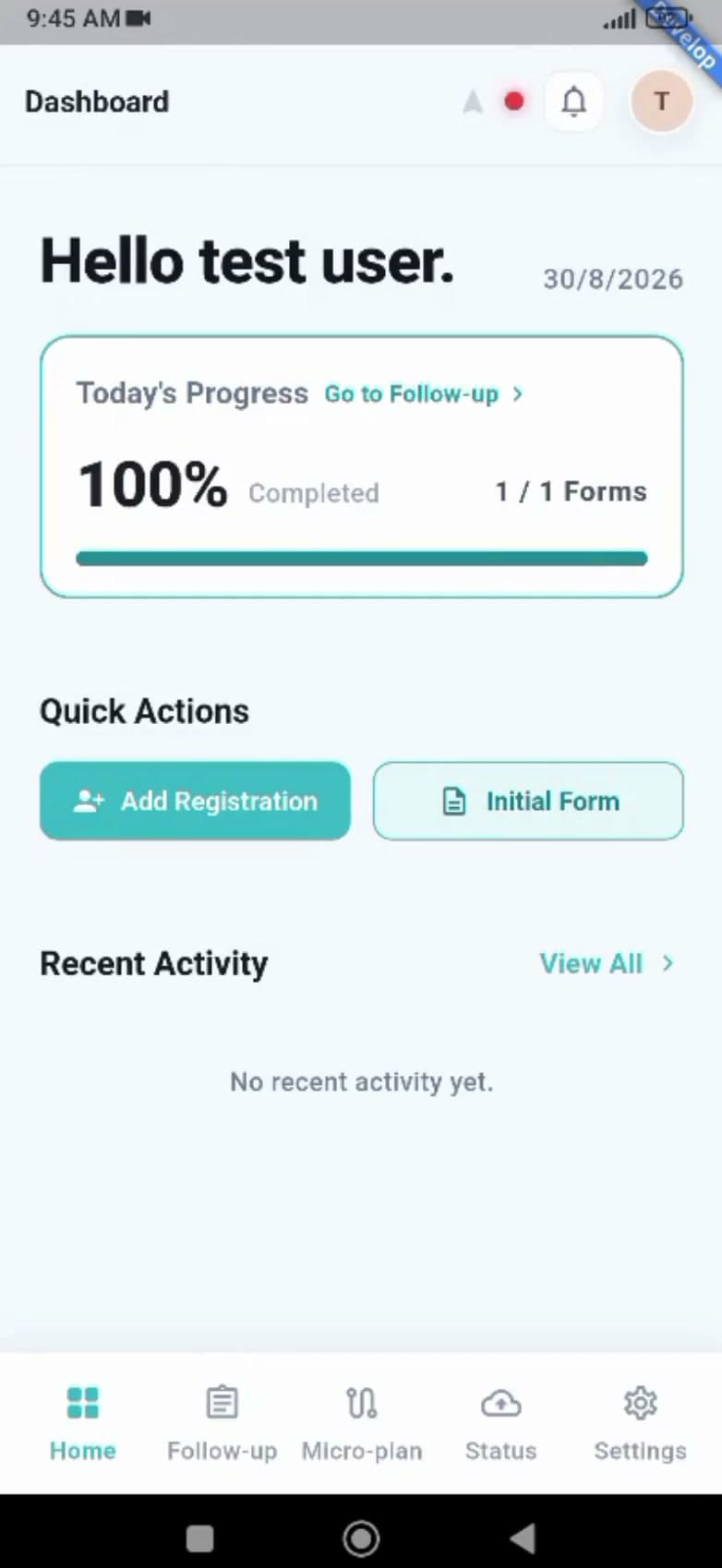 0:22Mobile: Connection status
Created by ComMicPlan resources
0:22Created by ComMicPlan resources
Read the online and offline connection indicator in the app bar and understand how it affects syncing.
23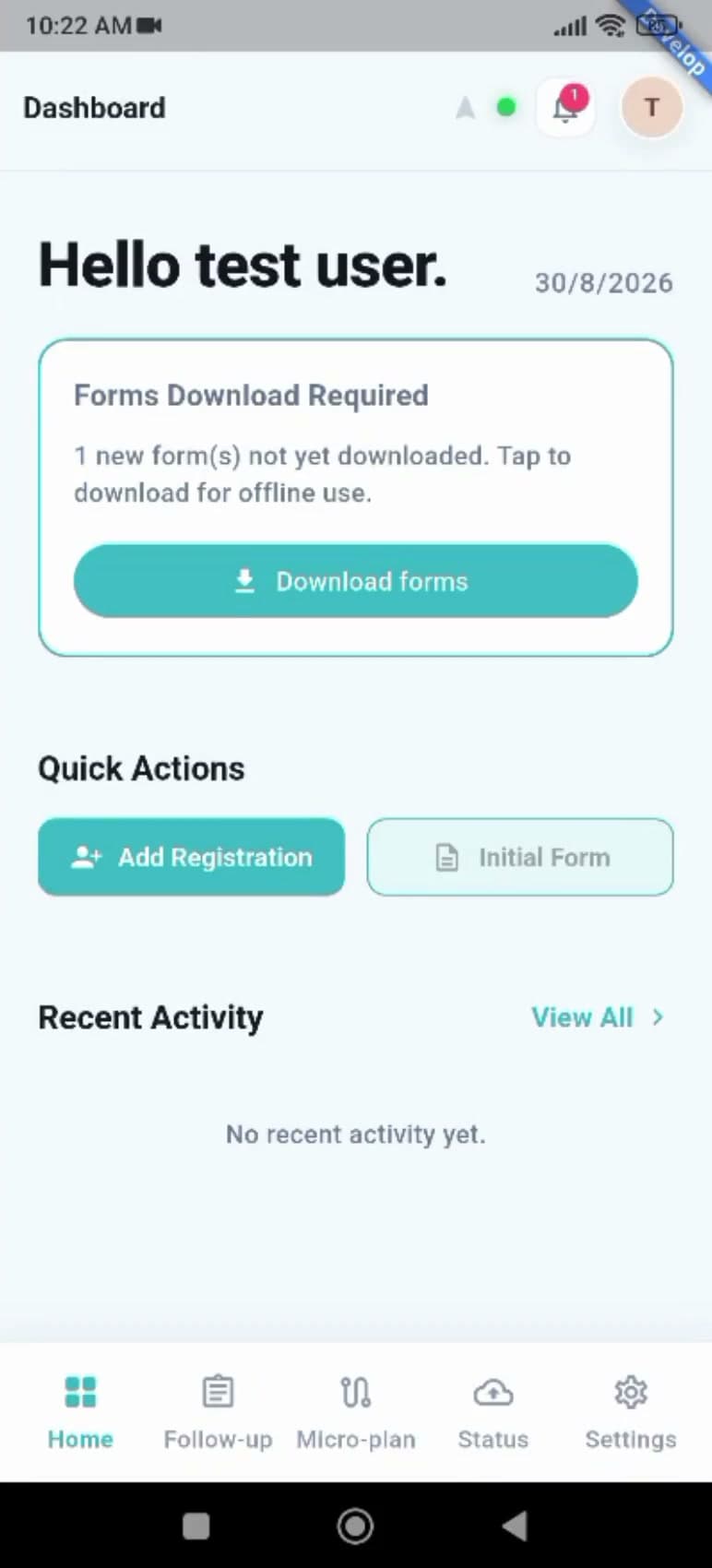 0:41Mobile: Microplanning path tracking arrow
Created by ComMicPlan resources
0:41Created by ComMicPlan resources
Use the app bar arrow to turn Microplanning Path Tracking on and off for the active activity.
24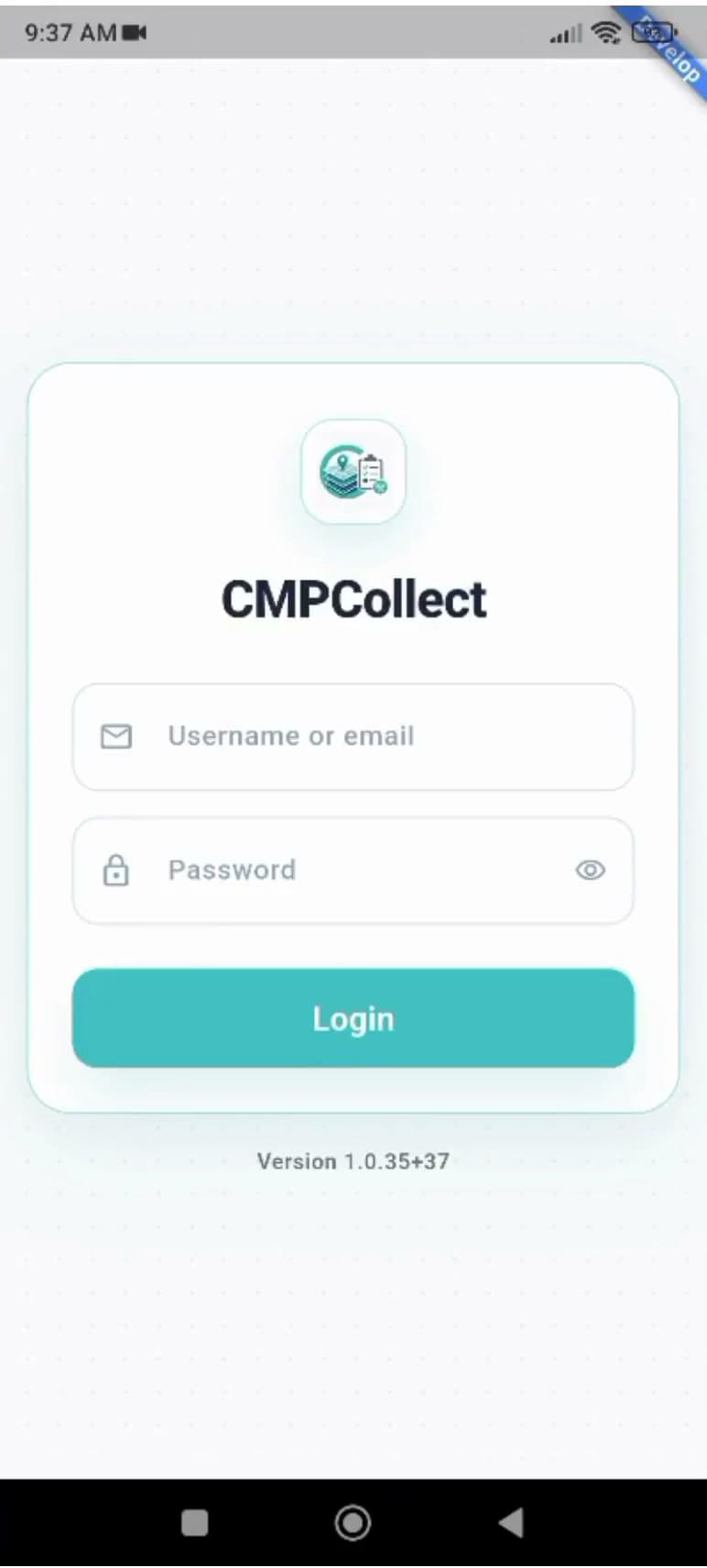 0:11Mobile: Profile and logout
Created by ComMicPlan resources
0:11Created by ComMicPlan resources
Open the profile menu from the app bar and sign out of CMPCollect securely.
25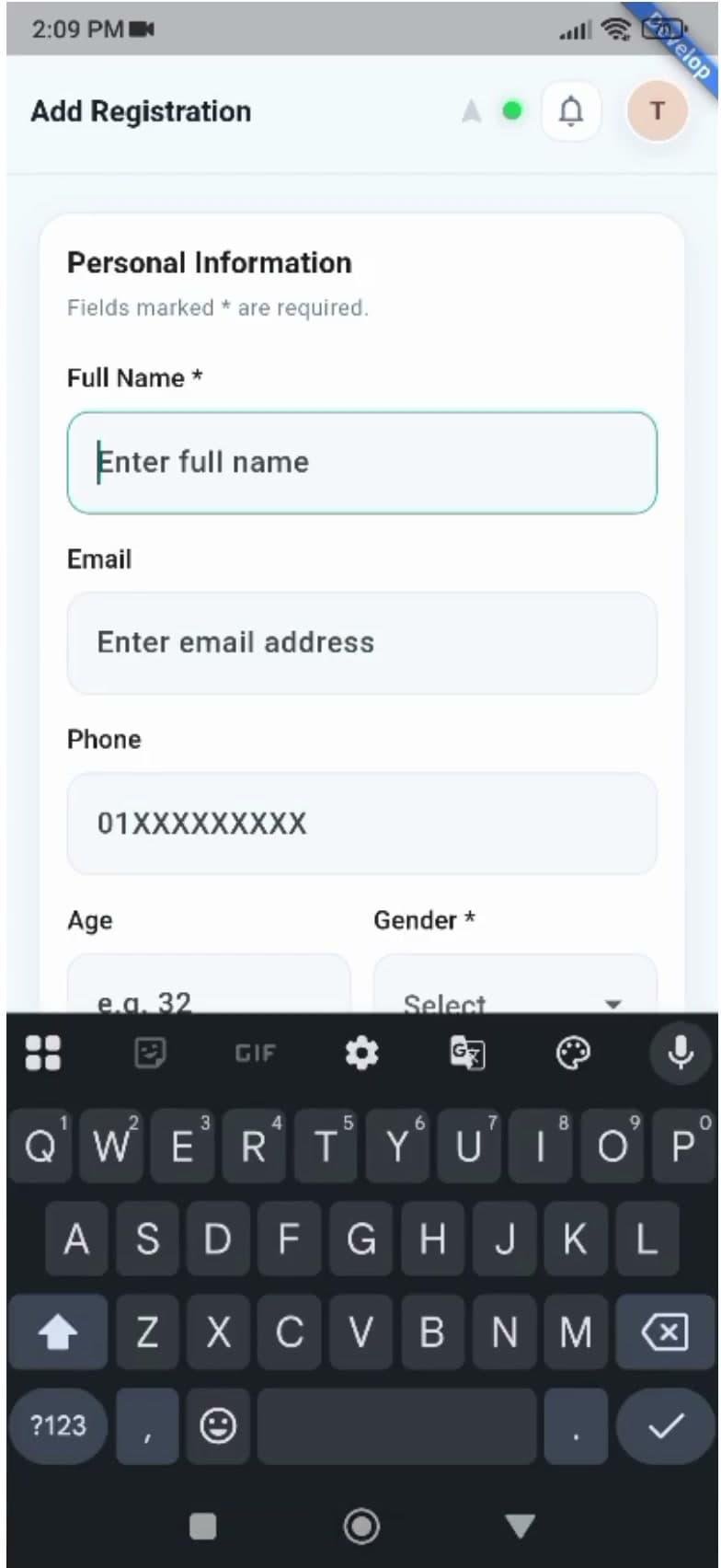 0:45Mobile: Registration personal information and project
Created by ComMicPlan resources
0:45Created by ComMicPlan resources
Start an Add Registration, fill in the personal information fields, and choose an optional project.
26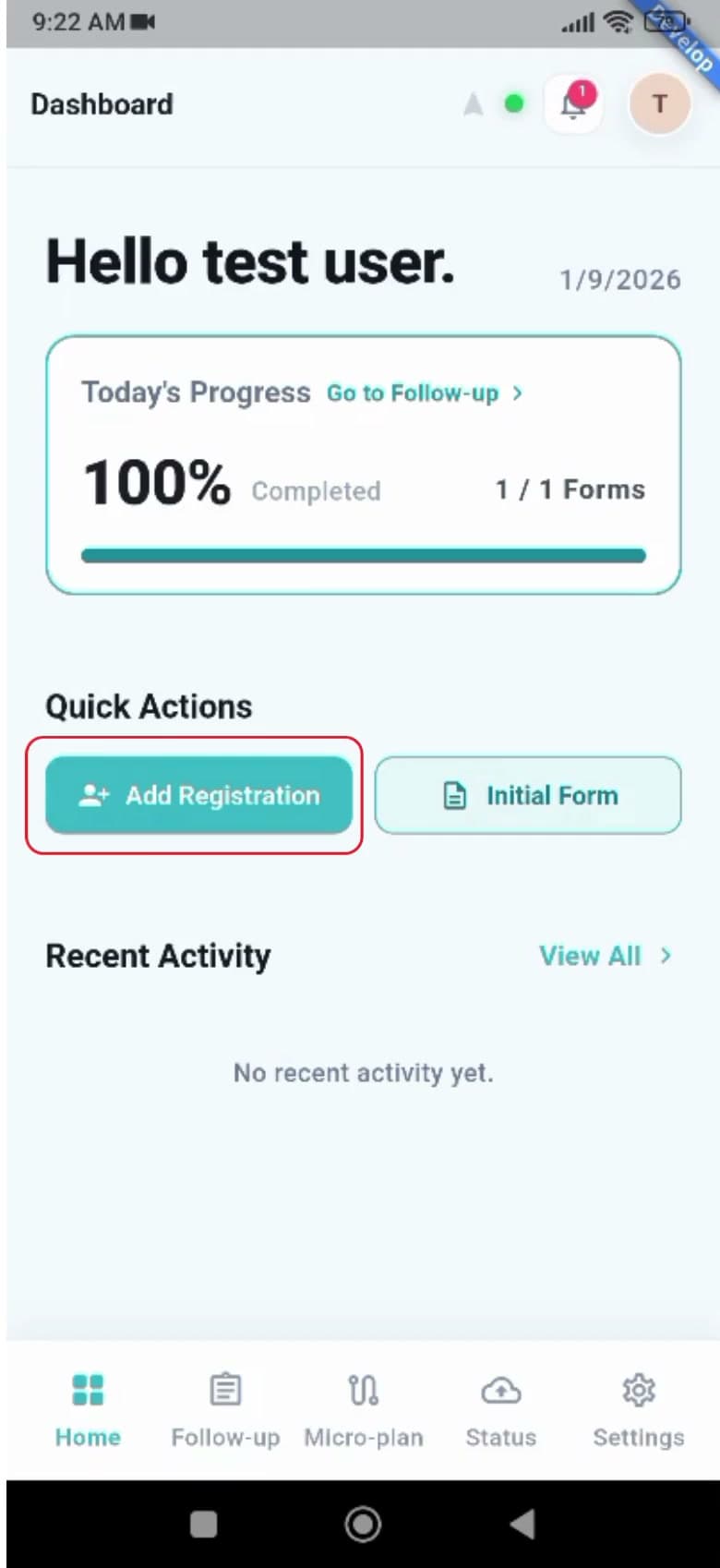 3:52Mobile: Registration identity document and NID capture
Created by ComMicPlan resources
3:52Created by ComMicPlan resources
Choose a document type, capture the NID front and back, crop the photos, and auto-fill fields with Extract from NID.
27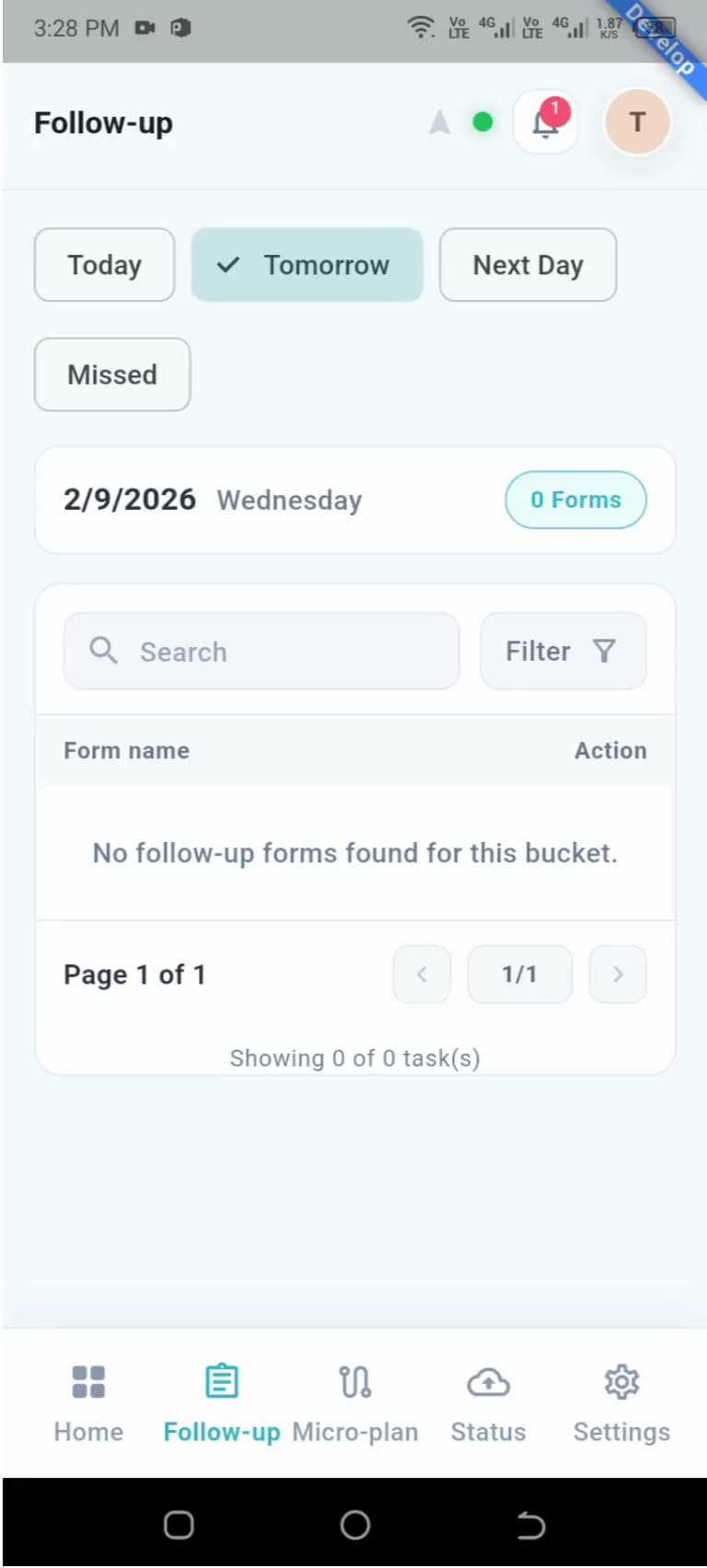 1:23Mobile: Follow-up list
Created by ComMicPlan resources
1:23Created by ComMicPlan resources
Work the Follow-up list by Today, Tomorrow, Next Day, and Missed, and search or sort to find a specific form.
28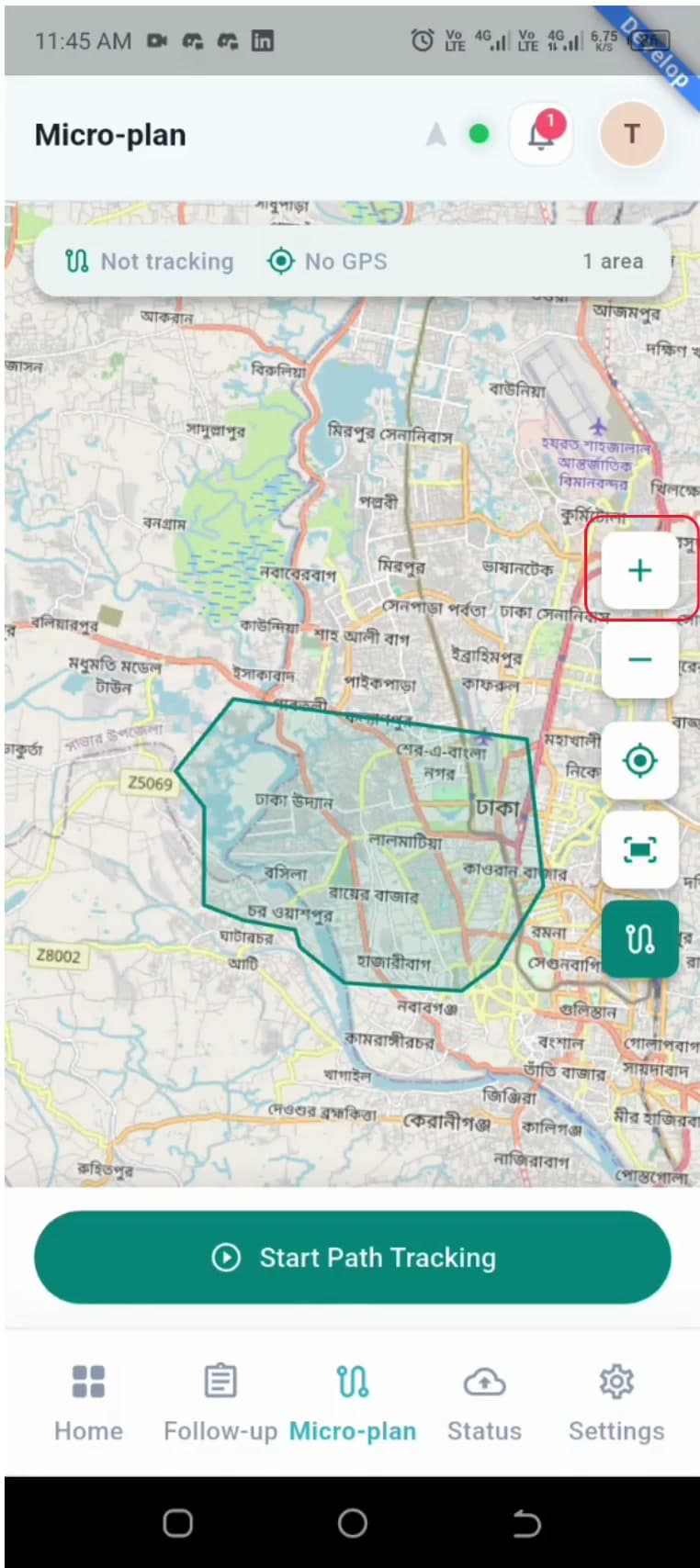 1:56Mobile: Microplanning area and path tracking
Created by ComMicPlan resources
1:56Created by ComMicPlan resources
Open the assigned microplanning area, start and stop path tracking, and use the map controls while tracking.
29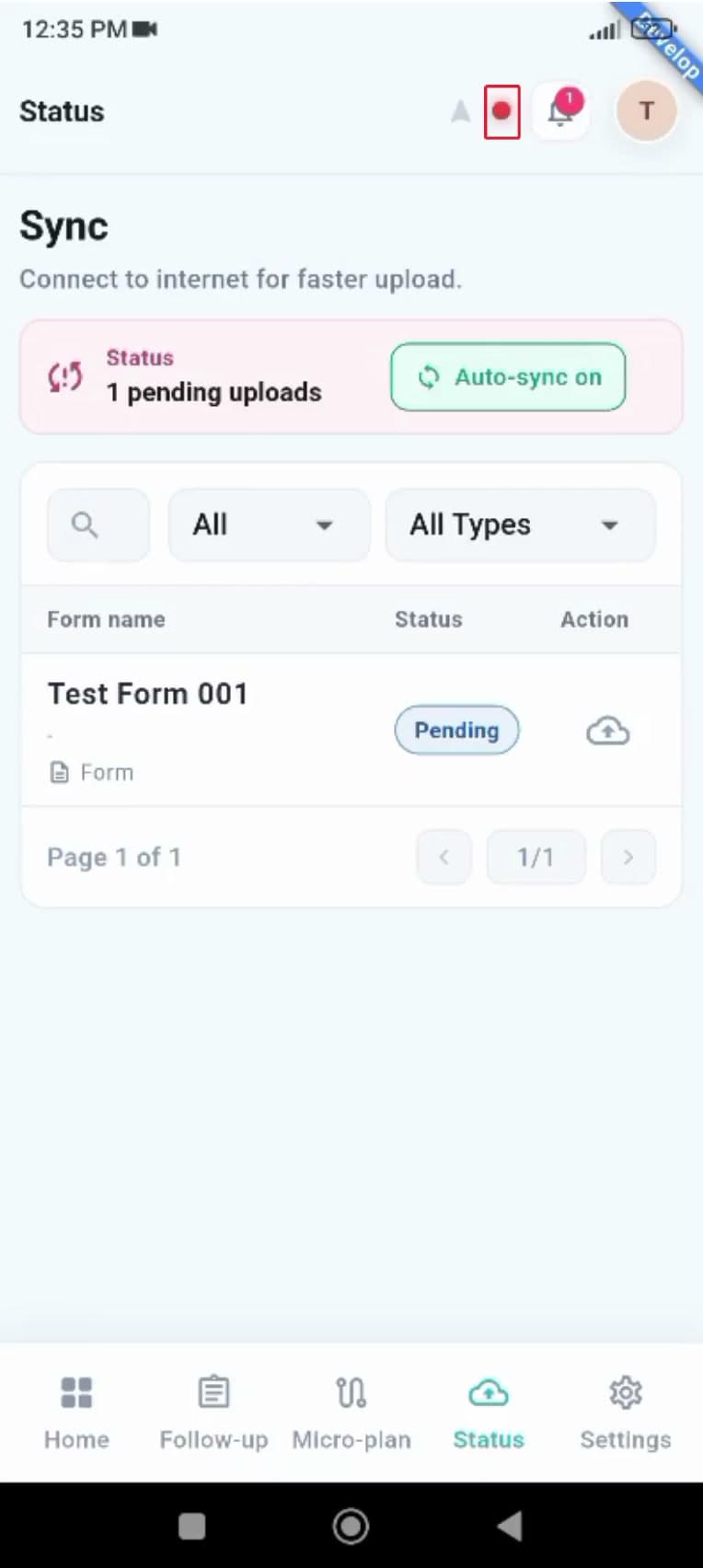 0:55Mobile: Status and sync
Created by ComMicPlan resources
0:55Created by ComMicPlan resources
Check pending and synced submissions on the Status page and filter by status and record type.
30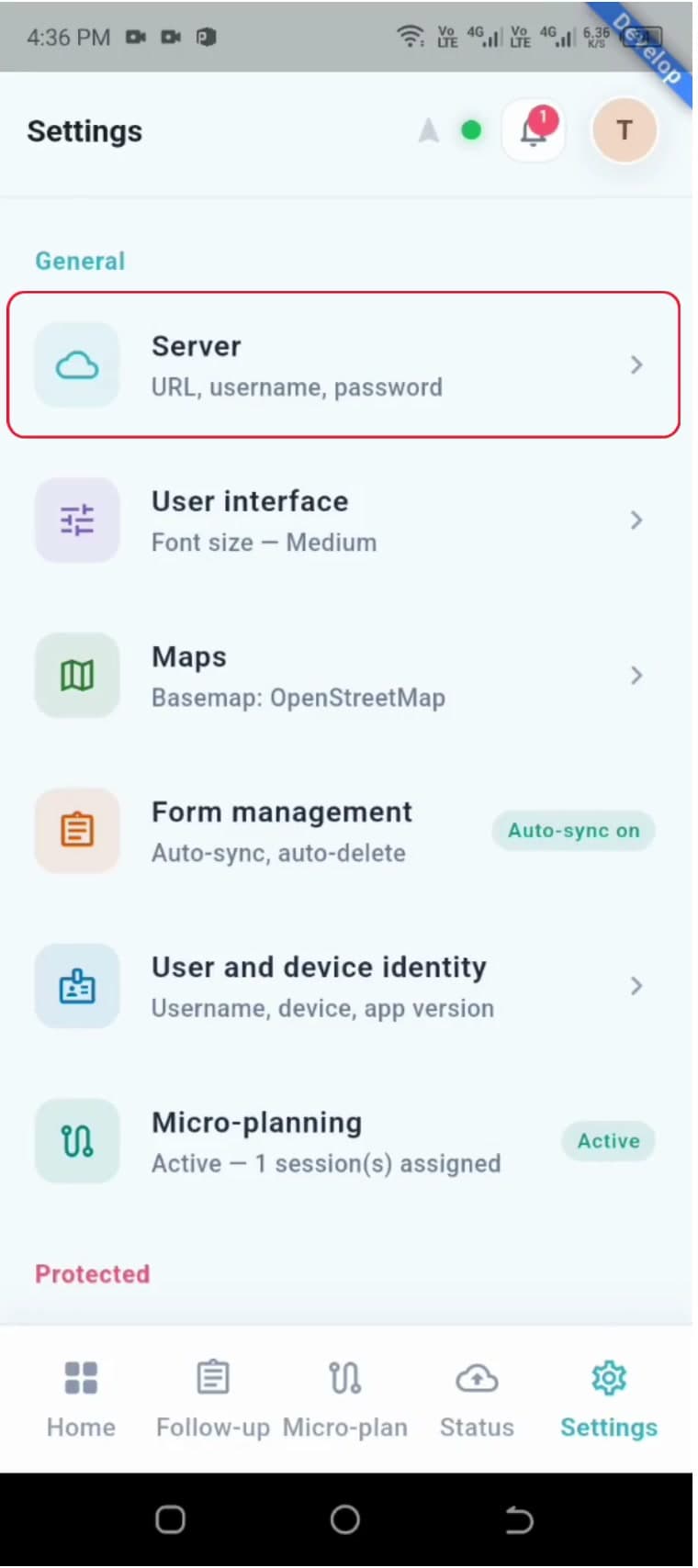 1:48Mobile: Settings
Created by ComMicPlan resources
1:48Created by ComMicPlan resources
Tour the Settings tab — User Interface, Maps, Password Reset, Form Management, and Project Management.