Tutorial series
Browse ComMicPlan resources by workflow and continue with the series that matches your next task.
Getting started with the platform
Follow the full setup path from account registration through organization, project, form, user, and assignment work.
Open tutorial
Creating your first project
Create a project inside the organization, connect forms, and prepare the workspace for field activity.
Open tutorial
Create your first form
Create forms from scratch or XLSForm, then build a complete questionnaire with data types, options, logic, constraints, groups, repeats, cloning, preview, validation, and save.
Open tutorial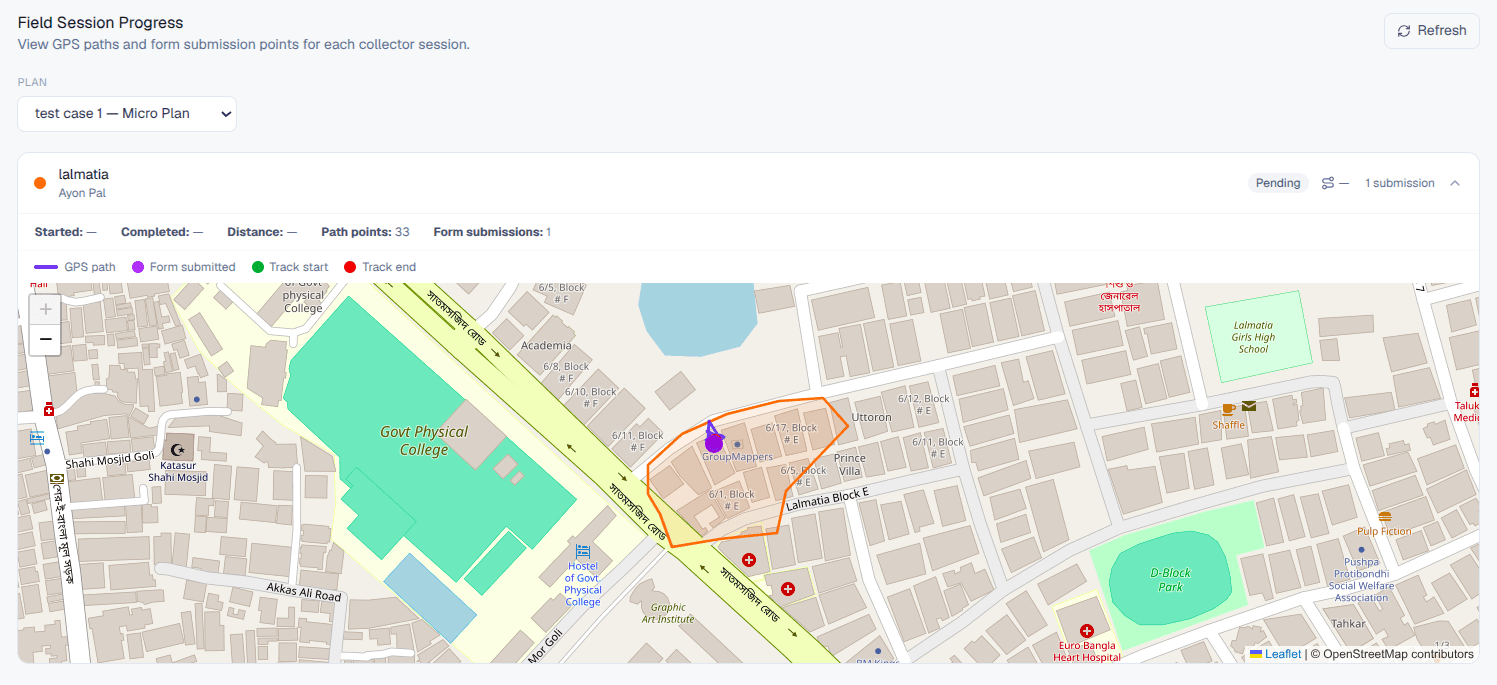
Microplanning: areas, assignments, and tracking
Enable microplanning, create or import geographic areas, assign field users, manage boundaries, and monitor progress from the overview dashboard.
Open tutorial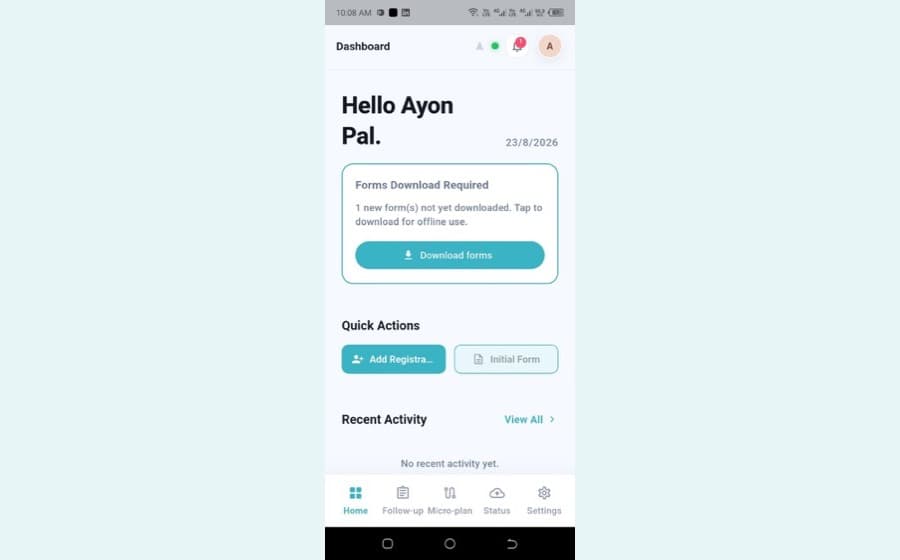
Mobile app user manual
Log in, grant permissions, read the dashboard and navigation bar, add registrations with NID capture, work through follow-ups, track microplanning areas, and check status and settings.
Open tutorial